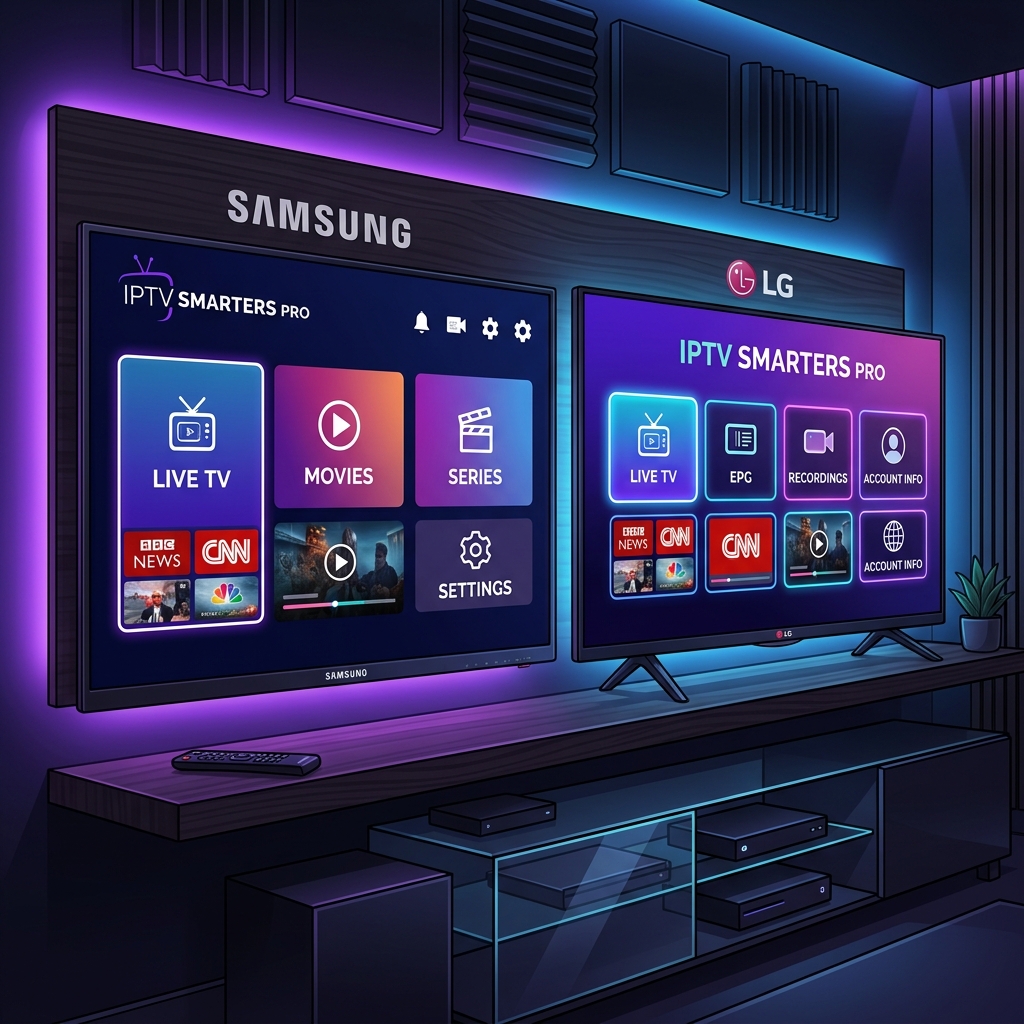
🚨 Why Choose IPTV Smarters Pro for Your Smart TV?
Most IPTV applications are basic video players that read an M3U playlist file. IPTV Smarters Pro operates differently by utilizing the Xtream Codes API to communicate directly with your provider's server. This enables a Netflix-style interface, dynamic EPG, and catch-up features.
When paired with a premium IPTV provider like FreeGoTV IPTV, IPTV Smarters Pro delivers a flawless, stutter-free viewing experience.
Part 1: Preparing Your Smart TV and Network
Before installing the application, ensure your television and network are optimized.
Update Your TV's Firmware
- Samsung: Settings > Support > Software Update > Update Now
- LG: Settings > All Settings > General > About This TV > Check for Updates
Verify Your Network Connection
IPTV Smarters Pro requires a highly stable network connection. Ensure you meet the required internet speed for 4K.
Part 2: How to Find and Install IPTV Smarters Pro
Installing on Samsung Smart TVs (Tizen OS)
Standard Installation: Go to Apps > Search > type "IPTV Smarters Pro".
Bypassing Geo-Restrictions: Reset your Smart Hub, press "Fast Forward, 2, 8, 9, Rewind" at the Terms screen, and select United States or Australia.
Installing on LG Smart TVs (webOS)
Standard Installation: Open LG Content Store > Search > type "IPTV Smarters Pro".
Bypassing Geo-Restrictions: Go to Settings > General > Location > LG Services Country. Uncheck "Set Automatically" and select United States.
Part 3: The Xtream Codes API Setup (Highly Recommended)
Select Login with Xtream Codes API when you launch the app. You will need your subscription details from your provider.
- Any Name: A label for your reference (e.g., FreeGoTV Premium).
- Username: Your provided username.
- Password: Your provided password.
- URL: The server address (e.g., http://server-address.com:8080).
Part 4: Configuring the App for Maximum Performance
To ensure you completely stop IPTV freezing, optimize the app's settings:
- Adjust Stream Format: Change from MPEGTS to HLS in Settings.
- EPG Timeline: Set to update automatically only once a day.
- Clear Cache: Regularly clear the cache to prevent sluggishness.
Troubleshooting Common Errors
"Invalid Details" or "Authorization Failed"
Double-check your Username and Password for typos, and ensure the URL includes http:// and the port number.
Channels Load But EPG is Empty
Click the "Install EPG" button manually or ensure your TV's internal clock and timezone are correct.
Frequently Asked Questions
1. Is IPTV Smarters Pro free to use?
Yes, the core application is completely free to download and use on Samsung and LG Smart TVs.
2. Why is IPTV Smarters Pro not in my Samsung App Store?
Samsung hides IPTV apps in certain regions. Change your Smart Hub region to Australia or the USA to bypass this.